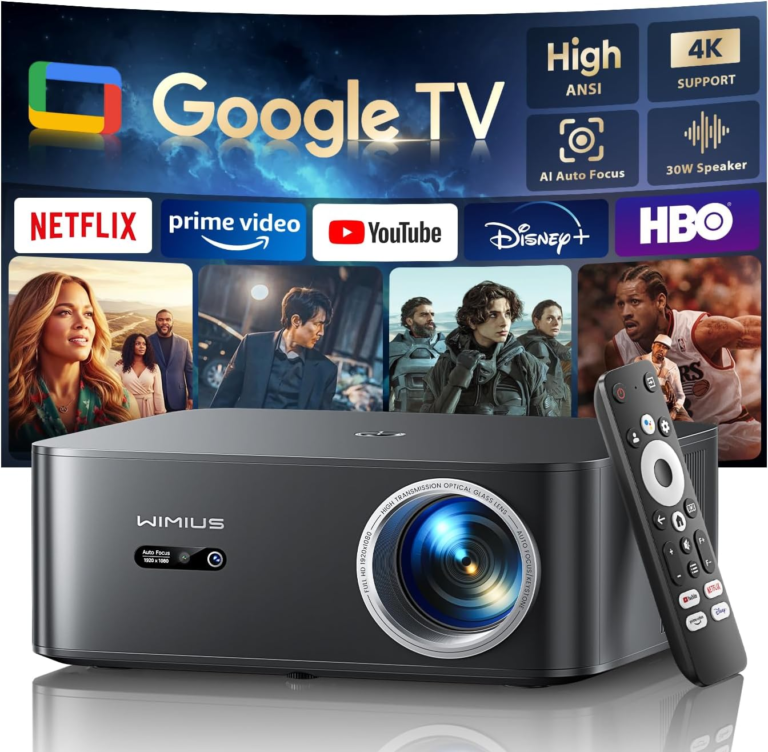
Here’s a guide to the 5 best projectors with wireless HDMI or wireless-friendly connectivity — perfect for home theaters, meetings, or streaming without messy cables. Many modern projectors use wireless screen mirroring (e.g., Miracast / AirPlay) or include wireless HDMI kits from brands like Epson, Optoma or BenQ.
Top 5 Projectors with Wireless HDMI or Wireless Connectivity
Premium Wireless-Ready Projectors
Alvar 4K Smart Projector – Premium 4K Smart Projector
4K-capable image with Wi-Fi6 and Bluetooth built in Auto-focus, auto-keystone, HDR10 support Great for home cinema with integrated apps and screen mirroring
4K Projector with WiFi & Bluetooth – Feature-Rich Wireless Solution
Large bright projection with built-in wireless connectivity Ideal if you want streaming + Bluetooth speakers without extra hardware
🎬 Mid-Range Wireless Projectors
L80 Home Theater Projector – Balanced Home Theater Pick
1080p with Wi-Fi and Android OS Smooth wireless casting from phones or laptops Good value for movies and presentations
DBPOWER 4K WiFi Projector – Wireless Streaming Outdoor/Indoor
4K decoding and Wi-Fi connectivity Great budget way to go wireless via built-in support or Miracast casting
📍 Budget Wireless Option
BoldEver Mini Smart Projector – Compact Wireless-Friendly Projector
Portable and affordable with Wi-Fi + screen-mirroring features Best for casual movie nights or small spaces
📶 What Wireless HDMI Actually Means
Unlike traditional projectors that need a cable, many modern units support:
Wireless HDMI kits (like Optoma QuickCast, BenQ InstaShow) — plug a transmitter into your source and a receiver into the projector for true cable-free HDMI (still often sold separately). Wireless screen mirroring protocols such as Miracast (HDMI-over-Wi-Fi), Apple AirPlay, or Chromecast built-in — effectively sends video wirelessly to the projector.
Truly built-in wireless HDMI is still rare; many projectors rely on Miracast/AirPlay or external wireless HDMI kits to achieve that cable-free experience.
📌 Buying Tips
For home theater: go for higher brightness (≥2000 ANSI) and 4K resolution if possible.
For presentations: good wireless casting support and a reliable adapter (e.g., BenQ/Wireless HDMI kit) can make setup easier.
For Miracast / AirPlay: make sure your phone or laptop supports the same mirroring standard.